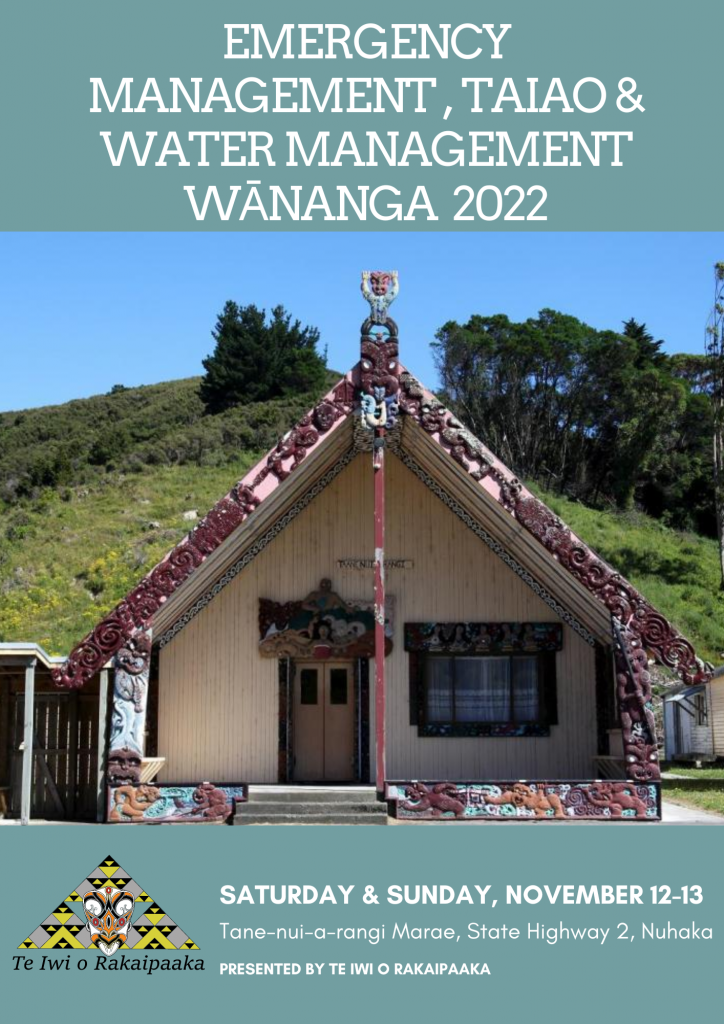
Emergency Management, Taiao & Water Management 2 Day Wananga
Tēna koutou whānaunga, whānau, whanui o Ngāti Rakaipaaka
Come along and join us again on;
- Saturday 12 November, commencing at 1 pm
- Sunday 13 November commencing at 9 am.
We have 5 kaupapa happening these days. If you cannot participate in person we will provide access to zoom chat hope to see you all in person or virtually.
These are our kaupapa to be presented and we will be encouraging your participation:
Day 1
- Introducing the Ngāti Rakaipaaka Emergency Evacuation Plan
- Sharing Pathways to environment learnings to qualifications in the taiao space
- Presenting draft 3 of the Rakaipaaka Nga Hua o Te Taiao
Day 2
- Field excursion to identity the issues impacting the health of the Ngāti Rakaipaaka waterways
- Presenting learnings to be enrolled in and the qualifications whanau can potentially gain
Click on the Zoom links below to register for this event.
Day 1 – 12 Nov 2022 Starts 1 pm
Day 2 – 13 Nov 2022 Starts 9 am
When participating via Zoom we ask that you;
- Physically raise your hand or use the “raise hand” feature available in the participant panel.
- Mute your microphone when you’re not talking. This will help eliminate any feedback or background noise that can be heard in your environment.
How to mute & unmute
Audio Controls (click the ^ arrow next to Mute / Unmute): This allows you to change the microphone and speaker that Zoom is currently using on your computer, leave computer audio, and access the full audio settings.
How to use the raise your hand function
Click Raise Hand in the webinar controls.
The host will be notified that you’ve raised your hand.
If the host allows you to talk, you may be prompted to unmute yourself. While unmuted, your profile picture and name are displayed to the host and panellists. Only your name is displayed to other attendees.
Click Raise Hand in the webinar controls to lower it if needed. This will not mute you if you are unmuted.
Nau mai haere ma